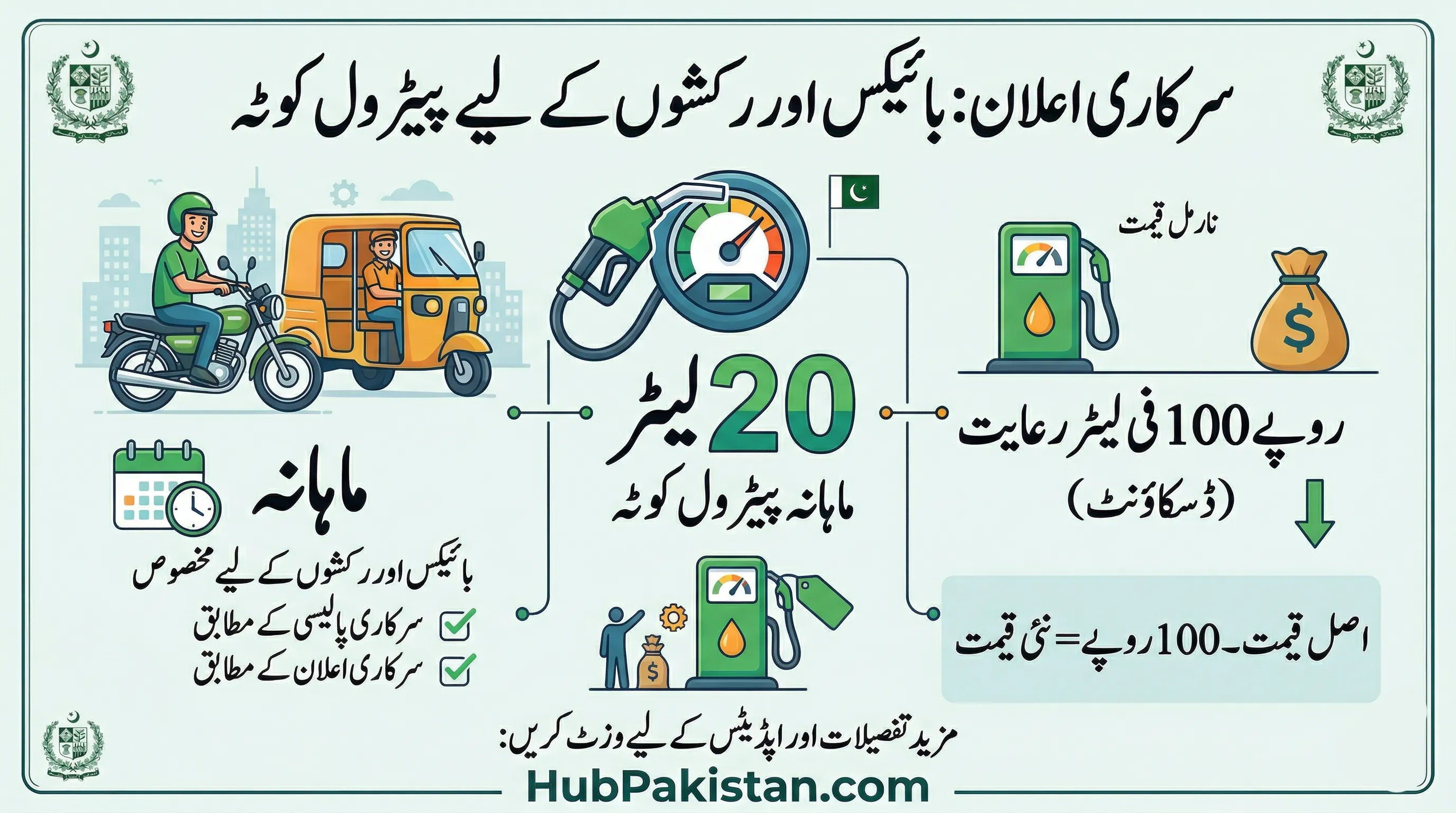
How to Use the 20 Liter Monthly Petrol Quota: Complete Step by Step Guide for Motorcycle Owners
The Punjab government's 20 liter monthly petrol quota at Rs. 100 per liter has officially started. Many motorcycle owners have registered successfully but are now asking the same question: exactly how does the quota work at the petrol pump? This guide explains the full process from registration to fuel collection, based on the official mechanism published by the Punjab government.
How the Quota System Works
The subsidy is not a cash transfer. It works through a digital OTP system at registered fuel stations. When a registered motorcycle owner goes to a participating petrol pump, the system verifies their identity through a one-time password sent to their registered mobile number. The pump operator then dispenses up to 20 liters at the subsidized rate of Rs. 100 per liter for that month.
The difference between the market price and Rs. 100 is paid directly by the government to the fuel station through the subsidy settlement mechanism. The citizen only pays Rs. 100 per liter at the counter.
Step by Step Process at the Petrol Pump
- Go to a registered petrol station: Not all fuel stations are part of the scheme. Only stations registered with the Punjab government's fuel subsidy network can process subsidized transactions. A list of registered stations is available on the mkb.punjab.gov.pk portal.
- Tell the pump operator you want to use the subsidy: Inform the attendant that you are a registered user of the petrol subsidy scheme. They will initiate the verification process on the station's terminal.
- Provide your registered mobile number: You will receive an OTP on the mobile number linked to your CNIC during registration.
- Enter the OTP to confirm your identity: The pump operator enters the OTP into the terminal to verify your identity and check your remaining monthly quota.
- Fuel is dispensed at Rs. 100 per liter: Once verified, you pay Rs. 100 per liter for up to 20 liters. Any additional fuel beyond 20 liters will be charged at the standard market rate.
How to Check Your Remaining Monthly Quota
Citizens can check how many liters of their 20 liter monthly quota have been used through the following methods:
- Open the Maryam Ko Batayen app and navigate to the Fuel Quota section
- Visit mkb.punjab.gov.pk and log in with your CNIC
- Call the helpline at 1000 and request a quota balance check
The monthly quota resets on the first of each calendar month. Unused liters from the previous month do not carry forward to the next month.
Documents Required at Registration
Document Purpose Original CNIC Identity verification Motorcycle registration certificate Vehicle ownership proof Active mobile number linked to CNIC OTP delivery for fuel transactionsCommon Issues and Solutions
OTP not received at the pump
Make sure the mobile number you registered with is active and has signal. If you have changed your number, contact the helpline at 1000 to update your registered contact number before visiting a pump.
Pump operator says your CNIC is not registered
Verify your registration status through the app or web portal first. Registration can take up to 48 hours to activate in the system after initial submission. If more than 48 hours have passed and your status still shows as pending, call the helpline.
Quota shows as zero before month end
If your 20 liter quota is exhausted before the end of the month, you will need to pay the full market price for any additional fuel. The monthly limit is fixed and cannot be increased.
Frequently Asked Questions
Can I use my quota at any petrol station?
No. The subsidized rate is only available at petrol stations that are officially registered with the scheme. Using your registration at a non-participating station will not work.
What if I do not use my 20 liters in one month?
Unused quota does not carry forward. Each month provides a fresh 20 liter allowance regardless of what was used the previous month.
Can my family member use my quota on my behalf?
The OTP is sent to the registered mobile number. If your family member has access to your registered mobile number, they can complete the transaction on your behalf. However, the vehicle must be physically present at the pump.